# Message Catalogs

> Browse PeopleSoft Message Catalog entries — message set/number pairs with text, severity, and usage analysis.

---

Site [llms.txt](/llms.txt)

---

<div id="pslens-context-panel" class="card border-info mb-4 d-none">
  <div class="card-header bg-light text-info py-2 fw-bold d-flex align-items-center border-bottom border-info-subtle">
    <i class="bi bi-info-circle-fill me-2"></i>
    <span>Tailored Operational Context</span>
  </div>
  <div class="card-body p-0">
    <ul class="list-group list-group-flush">
      <li id="row-db" class="list-group-item d-flex align-items-center justify-content-between py-2 d-none">
        <strong>Target Database:</strong>
        <span id="ctx-db" class="badge bg-secondary font-monospace">&mdash;</span>
      </li>
      <li id="row-type" class="list-group-item d-flex align-items-center justify-content-between py-2 d-none">
        <strong>Context Type:</strong>
        <span id="ctx-type" class="badge bg-light text-dark border font-monospace text-uppercase">&mdash;</span>
      </li>
      <li id="row-severity" class="list-group-item d-flex align-items-center justify-content-between py-2 d-none">
        <strong>Alert Severity:</strong>
        <span id="ctx-severity" class="badge">&mdash;</span>
      </li>
      <li id="row-time" class="list-group-item d-flex align-items-center justify-content-between py-2 d-none">
        <strong>Triggered Time:</strong>
        <span id="ctx-time" class="text-muted small">&mdash;</span>
      </li>
      <li id="row-details" class="list-group-item py-2 d-none">
        <strong id="label-details" class="d-block mb-1">Firing Context:</strong>
        <code id="ctx-details" class="d-block p-2 bg-light border rounded small"
          style="white-space: pre-wrap; word-break: break-all;">&mdash;</code>
      </li>
      <li id="row-sql" class="list-group-item py-2 d-none">
        <div class="d-flex justify-content-between align-items-center mb-1">
          <strong id="label-sql">Contextual SQL:</strong>
          <button id="btn-copy-sql" type="button" class="btn btn-sm btn-outline-secondary py-0 px-2 small">
            <i class="bi bi-clipboard me-1"></i>Copy SQL
          </button>
        </div>
        <pre class="mb-0 p-2 bg-light border rounded small"><code id="ctx-sql" style="white-space: pre-wrap; word-break: break-word;">&mdash;</code></pre>
      </li>
    </ul>
  </div>
</div>

<script>
  (function () {
    const params = new URLSearchParams(window.location.search);
    const metadata = params.get('metadata');
    if (!metadata) return;

    try {
      
      const base64 = metadata.replace(/-/g, '+').replace(/_/g, '/');
      const jsonStr = decodeURIComponent(escape(window.atob(base64)));
      const data = JSON.parse(jsonStr);

      if (data) {
        let hasData = false;

        if (data.db) {
          document.getElementById('ctx-db').textContent = data.db;
          document.getElementById('row-db').classList.remove('d-none');
          hasData = true;
        }

        if (data.type) {
          document.getElementById('ctx-type').textContent = data.type;
          document.getElementById('row-type').classList.remove('d-none');
          hasData = true;
        }

        if (data.severity) {
          const severityBadge = document.getElementById('ctx-severity');
          const severity = data.severity.toLowerCase();
          severityBadge.textContent = severity.toUpperCase();
          if (severity === 'critical') {
            severityBadge.className = 'badge bg-danger';
          } else if (severity === 'warning') {
            severityBadge.className = 'badge bg-warning text-dark';
          } else {
            severityBadge.className = 'badge bg-info';
          }
          document.getElementById('row-severity').classList.remove('d-none');
          hasData = true;
        }

        if (data.t) {
          const date = new Date(data.t * 1000);
          document.getElementById('ctx-time').textContent = date.toLocaleString();
          document.getElementById('row-time').classList.remove('d-none');
          hasData = true;
        }

        if (data.details) {
          document.getElementById('ctx-details').textContent = data.details;

          
          const labelDetails = document.getElementById('label-details');
          if (data.type === 'object') {
            labelDetails.textContent = 'Object Metadata Details:';
          } else if (data.type === 'report') {
            labelDetails.textContent = 'Report Description:';
          } else {
            labelDetails.textContent = 'Firing Context:';
          }

          document.getElementById('row-details').classList.remove('d-none');
          hasData = true;
        }

        if (data.sql) {
          document.getElementById('ctx-sql').textContent = data.sql;
          document.getElementById('row-sql').classList.remove('d-none');
          const copyBtn = document.getElementById('btn-copy-sql');
          if (copyBtn && navigator.clipboard) {
            copyBtn.addEventListener('click', function () {
              navigator.clipboard.writeText(data.sql).then(function () {
                copyBtn.innerHTML = '<i class="bi bi-check2 me-1"></i>Copied';
                setTimeout(function () {
                  copyBtn.innerHTML = '<i class="bi bi-clipboard me-1"></i>Copy SQL';
                }, 2000);
              });
            });
          }
          hasData = true;
        }

        if (hasData) {
          document.getElementById('pslens-context-panel').classList.remove('d-none');
        }
      }
    } catch (e) {
      console.error('Failed to parse operational context metadata:', e);
    }
  })();
</script>

The Message Catalog is PeopleSoft's centralized store of user-facing text. Every `MsgGet()` call, error dialog, warning, and translated label resolves to a message set + message number pair stored in `PSMSGCATDEFN`. psLens lets you browse messages by set number, jump directly to a specific set/number, or search by message text. Each message gets a dedicated detail page with its severity, text, explanation, and a usage analysis that finds where it is referenced in PeopleCode and SQL.

## Object Relationships

Message Catalogs standardize application message strings across components and scripts:

- **Referenced in PeopleCode & SQL**: Message Catalog entries (`PSMSGCATDEFN`) are called by `MsgGet()` and `MsgGetText()` in PeopleCode to display formatted messages.

## How psLens Improves Message Catalog Inspection

In PIA, searching Message Catalog entries requires navigating **Utilities → Administration → Message Catalog**, while tracking down where a message is invoked requires running separate **Find In PeopleCode** searches.

psLens allows instant jumping to Set/Number pairs, surfaces recently modified messages, and automatically performs global usage analysis across all PeopleCode and SQL statements.

## Search Page

URL: `/messagecatalogs?db={database}`

<figure><img src="/images/screenshots/metadata/message-catalogs-search.png"
			alt="Message Catalog search for set 18 showing messages in the set"><figcaption>
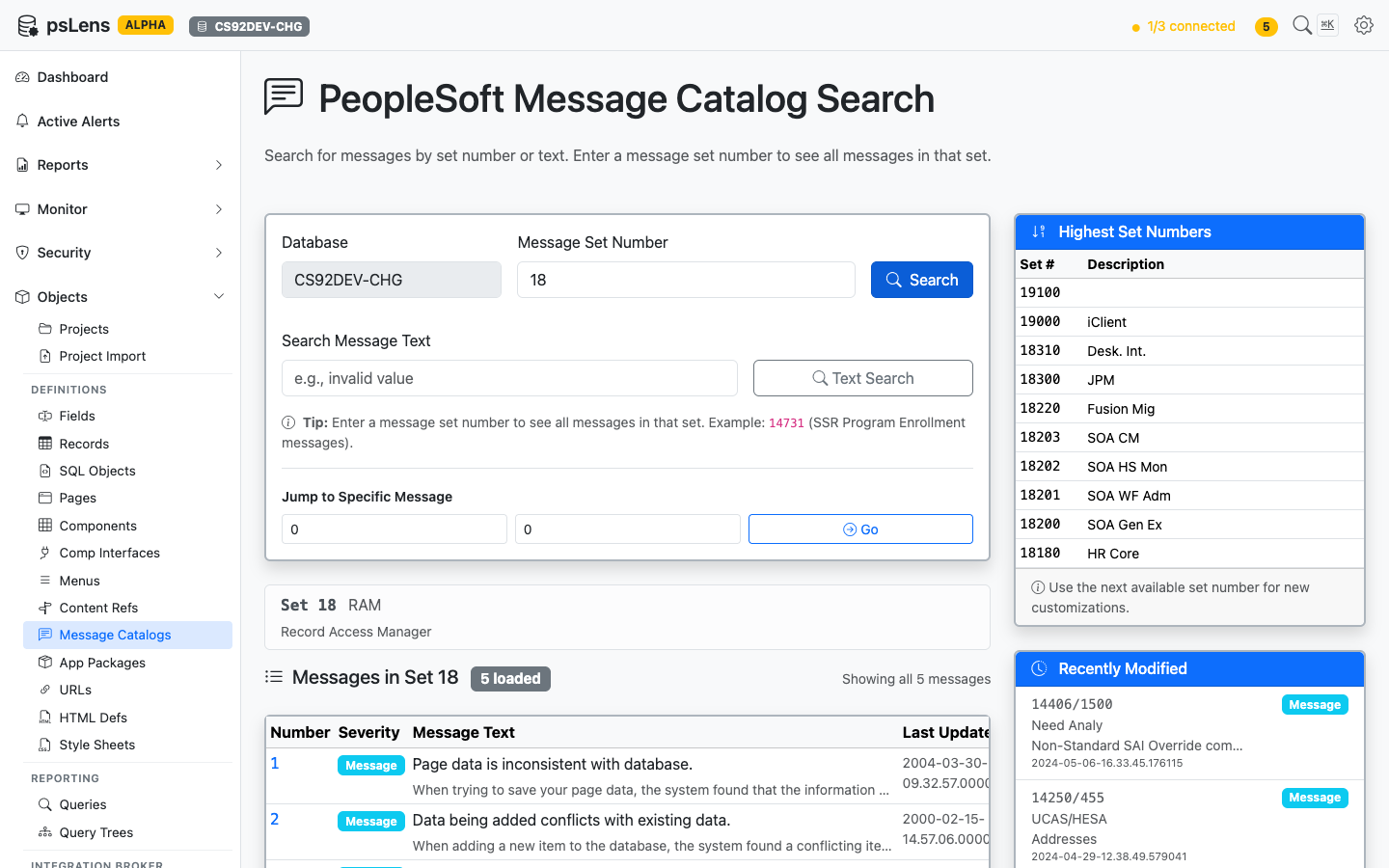
			<p>Browsing all messages in set 18</p>
		</figcaption>
</figure>


The search page has three entry points: enter a **Set Number** to see every message in the set, enter free text to **Search Message Text**, or punch in a specific **Set/Number pair** to jump straight to that message. The page also surfaces the highest set numbers in use (handy for picking the next free set when creating customizations) and the most recently modified messages.

## Detail Page

URL: `/messagecatalogs/{SET}/{NUMBER}?db={database}`

<figure><img src="/images/screenshots/metadata/message-catalogs-detail.png"
			alt="Detail page for message 18/1"><figcaption>
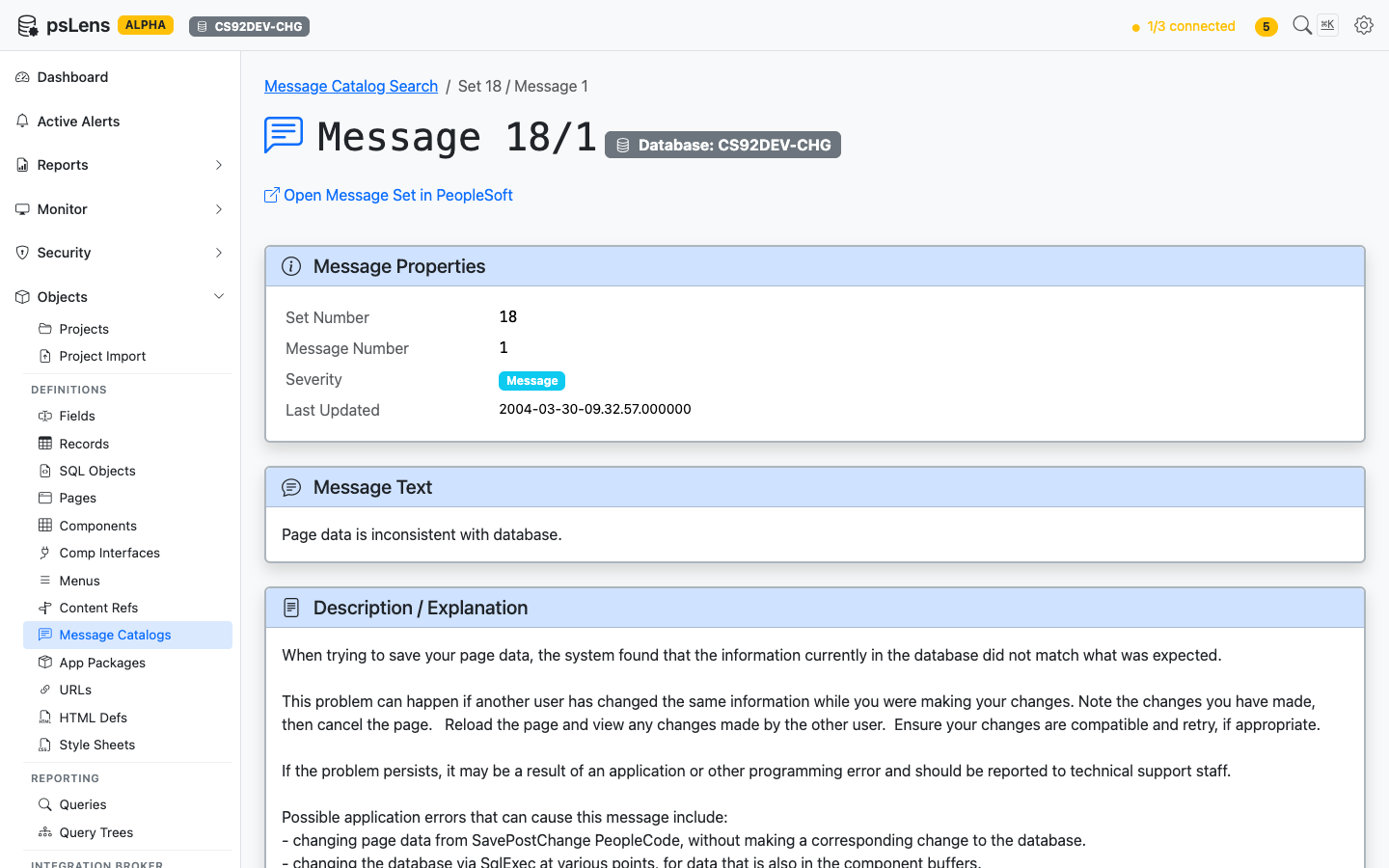
			<p>Detail page for message <code>18/1</code></p>
		</figcaption>
</figure>


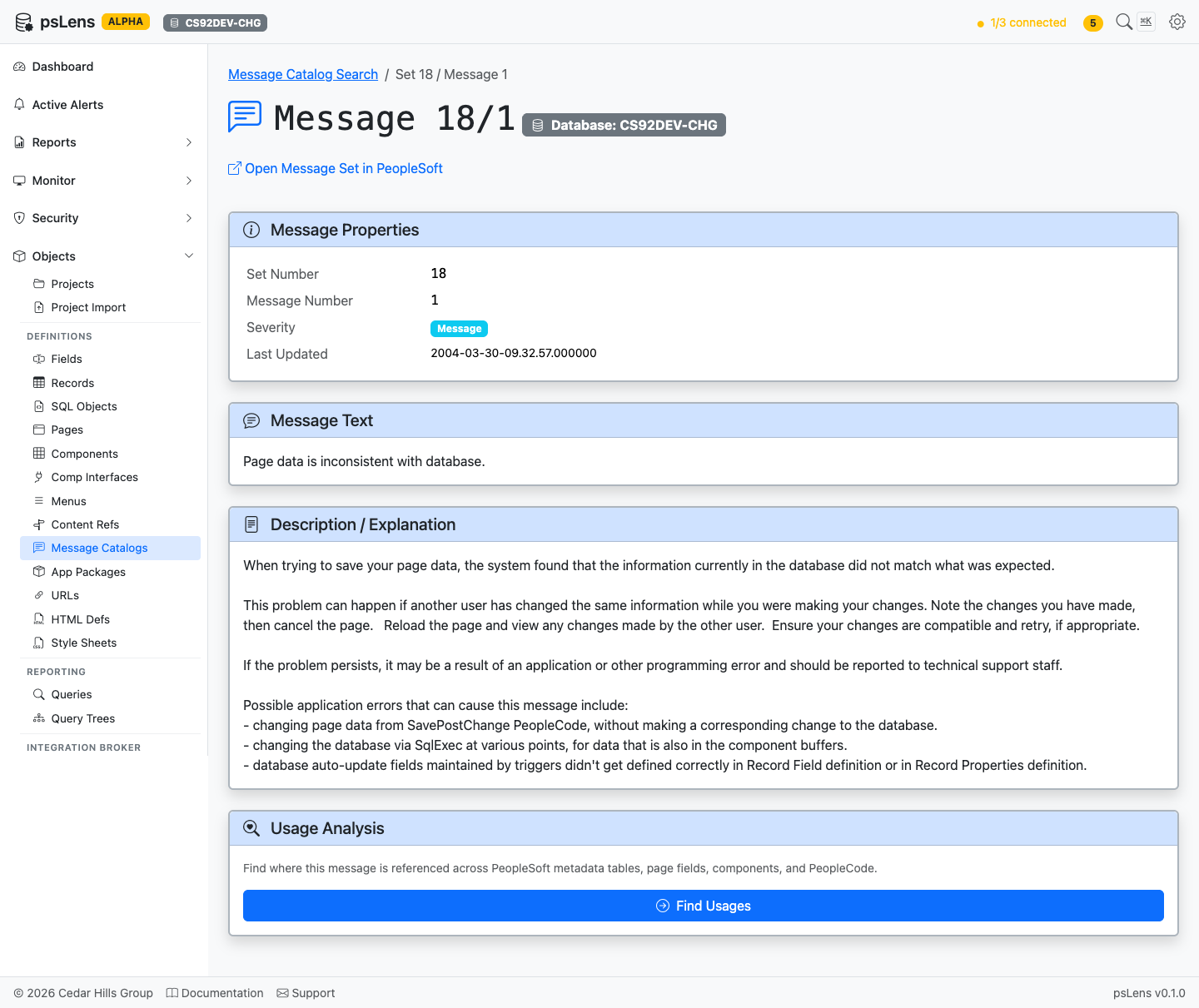
The detail page has no sidebar toggles; everything loads inline. The main pane shows **Message Properties** (set, number, severity, last-updated), the full **Message Text** (with `%1`, `%2` substitution markers preserved), and the **Description / Explanation** body text developers see when investigating a message.

<figure><img src="/images/screenshots/metadata/message-catalogs-detail-expanded.png"
			alt="Full message detail page including usage analysis"><figcaption>
			<p>Full message page including usage analysis</p>
		</figcaption>
</figure>


## Usage Analysis

<figure><img src="/images/screenshots/metadata/message-catalogs-panel-usage.png"
			alt="Usage Analysis panel for the message"><figcaption>
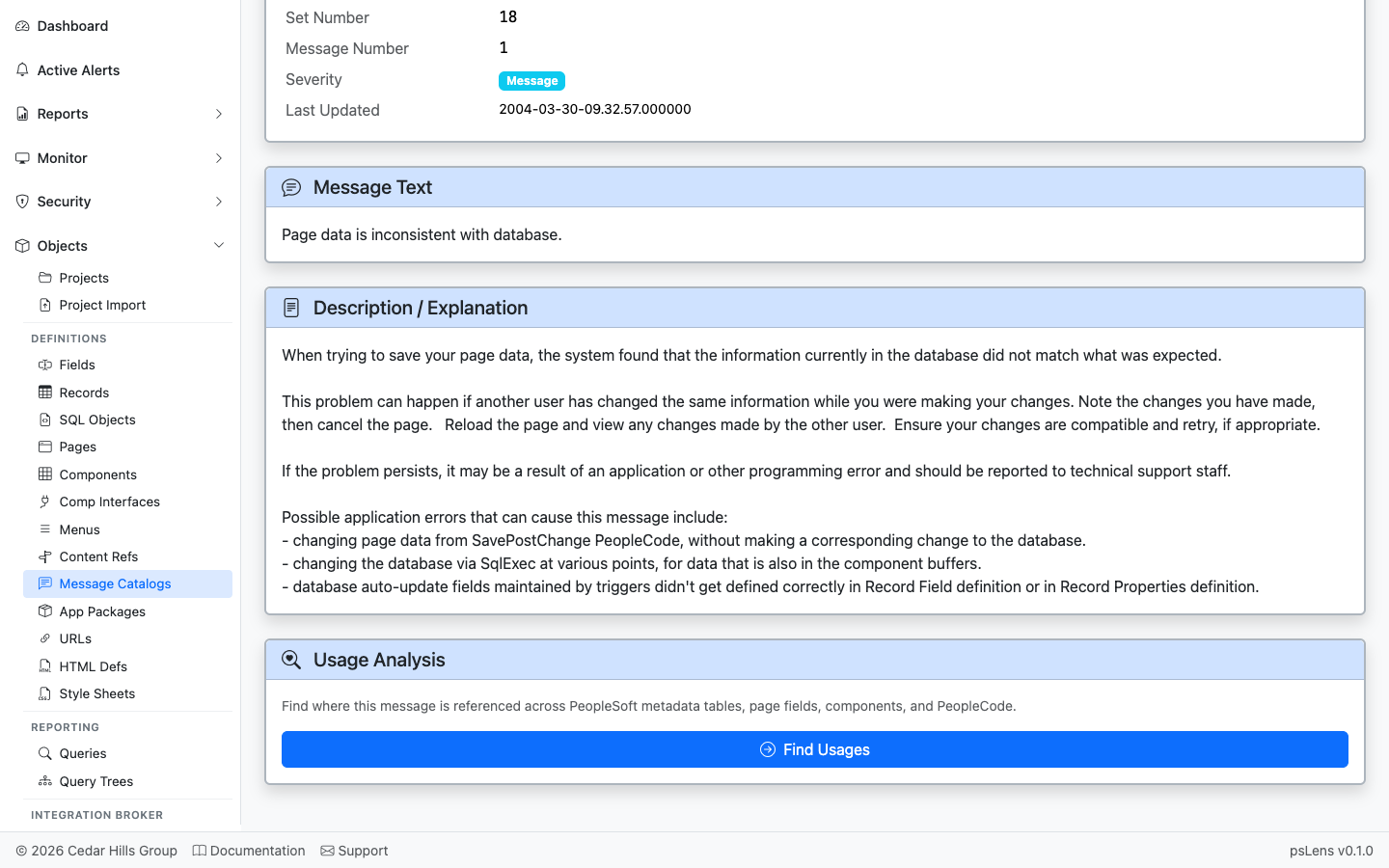
			<p>Where this message is referenced in PeopleCode and SQL</p>
		</figcaption>
</figure>


The **Usage Analysis** card automatically scans every PeopleCode program and SQL object in the database for textual references to this set/number pair: `MsgGet(18, 1, ...)`, `MsgGetText(18, 1, ...)`, `SQLExec("...18, 1...")`, and so on. Each hit links to the parent object's detail page. Lets you find every MsgGet / MsgGetText / SQLExec call site for the set/number pair before editing the text.